Open a new file in photoshop. I used 400 x 400 px. make sure foreground color is black, and the background color is white. (press D)
Now, go to filter>Render>Lens Flare
and give it the following institutions:

Now go to Filter>Pixelate>Mosaic. Now activate this. The settings stay the same. After that, go to Filter>Sketch>Water Paper. you activate this too without changing the settings.
When you have done this, you go to filter>blur>radial blur. Change the settings to this:

When you have done this, duplicate the layer. Change the settings of this layer to this:

Now make a new layer. Go to Filter>Render>Clouds and then to Filter>Render>Difference Clouds. When you have done this give this layer the following settings:

Press ctrl + U and give the menu the following settings:

Of course you can play around with it, but im just gonna show you how i did it.
At te other layers you have to make sure that 1 os yellow and the other one is red.
Your layers should look like this:

Here are 2 outcomes:
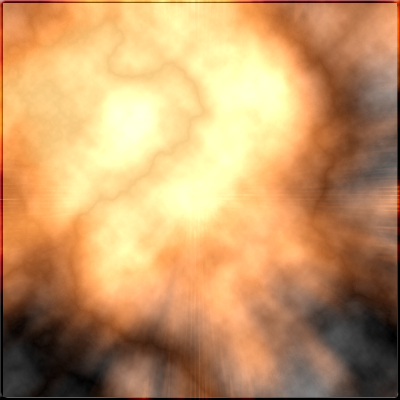

Now its your turn to try it! Post your resulst here!
Original tutorial from: http://reneetummers.blogspot.com/search/label/Tutorial%20photoshop%20Explosion
( I translated it and added sum things)
the pictures are also from there.
